you are viewing a single comment's thread
view the rest of the comments
[–] 12 points 1 year ago (12 children)

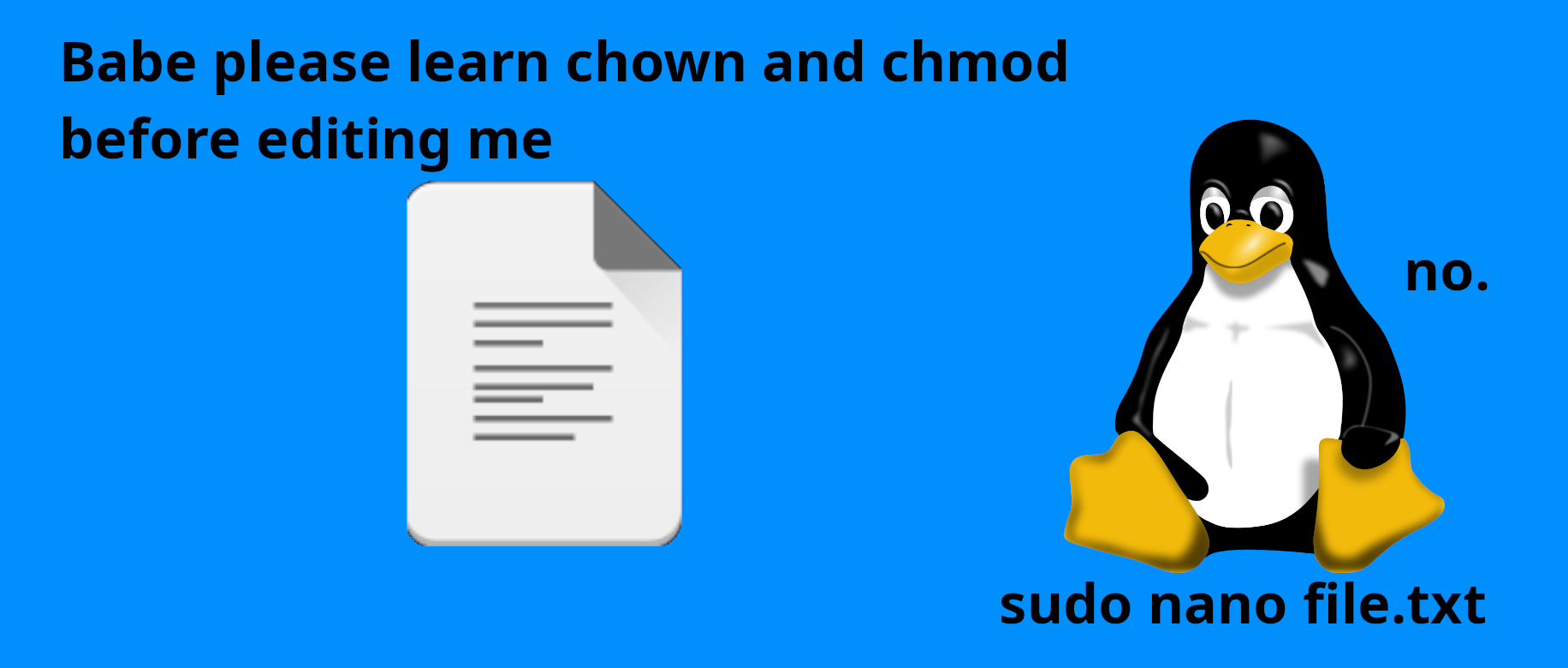
Why memorize a different command? I assume sudoedit just looks up the system's EDITOR environment variable and uses that. Is there any other benefit?

  • source
  • parent
  • hideshow 12 child comments
  • [–] 33 points 1 year ago (1 child)

    Why memorize a different command? I assume sudoedit just looks up the system’s EDITOR environment variable and uses that. Is there any other benefit?

    I don't use it, but, sudoedit is a little more complicated than that.

    detailsfrom man sudo:

    When invoked as sudoedit, the -e option (described below), is implied.
    
           -e, --edit
                   Edit one or more files instead of running a command.   In  lieu
                   of  a  path name, the string "sudoedit" is used when consulting
                   the security policy.  If the user is authorized by the  policy,
                   the following steps are taken:
    
                   1.   Temporary  copies  are made of the files to be edited with
                        the owner set to the invoking user.
    
                   2.   The editor specified by the policy is run to edit the tem‐
                        porary files.  The sudoers policy  uses  the  SUDO_EDITOR,
                        VISUAL  and  EDITOR environment variables (in that order).
                        If none of SUDO_EDITOR, VISUAL  or  EDITOR  are  set,  the
                        first  program  listed  in the editor sudoers(5) option is
                        used.
    
                   3.   If they have been modified, the temporary files are copied
                        back to their original location and the temporary versions
                        are removed.
    
                   To help prevent the editing of unauthorized files, the  follow‐
                   ing  restrictions are enforced unless explicitly allowed by the
                   security policy:
    
                    •  Symbolic links  may  not  be  edited  (version  1.8.15  and
                       higher).
    
                    •  Symbolic links along the path to be edited are not followed
                       when  the parent directory is writable by the invoking user
                       unless that user is root (version 1.8.16 and higher).
    
                    •  Files located in a directory that is writable by the invok‐
                       ing user may not be edited unless that user is  root  (ver‐
                       sion 1.8.16 and higher).
    
                   Users are never allowed to edit device special files.
    
                   If  the specified file does not exist, it will be created.  Un‐
                   like most commands run by sudo, the editor is run with the  in‐
                   voking  user's  environment  unmodified.  If the temporary file
                   becomes empty after editing, the user will be  prompted  before
                   it is installed.  If, for some reason, sudo is unable to update
                   a file with its edited version, the user will receive a warning
                   and the edited copy will remain in a temporary file.
    

    tldr: it makes a copy of the file-to-be-edited in a temp directory, owned by you, and then runs your $EDITOR as your normal user (so, with your normal editor config)

    note that sudo also includes a similar command which is specifically for editing /etc/sudoers, called visudo 🤪

  • source
  • parent
  • hideshow 1 child comment
  • [–] 13 points 1 year ago (5 children)

    It doesn't edit the file directly, it creates a temp file that replaces the file when saving. It means that the editor is run as the user, not as root.

  • source
  • parent
  • hideshow 5 child comments
  • [–] 3 points 1 year ago (4 children)

    So it opens the file in your editor, since you have read access to it. Then saves your changes to a temp file. Then when you close the editor it does a sudo mv tmpfile readfile?

    I checked this by checking the file ownership when running touch myself. The file is owned by root. sudo nano myself also creates a file owned by root. sudoedit myself removed at me not to run it in a writable directory.

    sudoedit: myself: editing files in a writable directory is not permitted

    So I ran it in a non-writable directory and the resulting file is still owned by root.

    So is the advantage of sudoedit preventing a possible escalation of privileges situation?

  • source
  • parent
  • hideshow 4 child comments
  • [–] 7 points 1 year ago (2 children)

    For me personally the advantage is that since the editor is opened by your user, it has all of the same config that I'm used to (such as my souped up Neovim config).

    Whereas if you sudo nvim /path/to/file then the editor is opened as root and you don't have the same configuration.

  • source
  • parent
  • hideshow 2 child comments
  • [–] 7 points 1 year ago* (last edited 1 year ago) (1 child)

    I know this is a meme community, but a modicum of effort IS warranted IMO. https://superuser.com/questions/785187/sudoedit-why-use-it-over-sudo-vi is the top result of a search for "why use sudoedit" and a pretty good answer. "man sudoedit" also explains it pretty well, as shown by another commenter.

  • source
  • parent
  • hideshow 1 child comment
  • [–] 6 points 1 year ago

    From the arch wiki

    sudo -e {file}
    

    Set SUDO_EDITOR in your profile to the editor of your choice, benefit is it retains your user profile for that editor, it's also less to type. For stuff like editing sudoers you're supposed to use visudo to edit that. Others can probably give better/more thorough reasons to consider it.

  • source
  • parent
  • [–] 3 points 1 year ago

    Correct but it uses the SUDO_EDITOR environment variable. The benefit is more security while editing system files, it creates a temporary file and when you finish it writes changes to the original. There is more to it but that is all I know, it prevents some exploits.

  • source
  • parent