top 50 comments

sorted by: hot top controversial new old
[–] 117 points 2 years ago* (9 children)
  • [–] 66 points 2 years ago (14 children)

    A fellow nano user! There are dozens of us!

  • source
  • hideshow 14 child comments
  • [–] 12 points 2 years ago

    Hell yeah gotta embrace the pain of using archaic key bindings that you'll forget until the next time you need to edit a file in the terminal, you must suffer like man. Modem and sane terminal editors are for pussies! If it doesn't load in 0.01 ms it's bloated.. Whatever you do don't install anything like micro, just keep suffering!

  • source
  • parent
  • load more comments (8 replies)
    [–] 56 points 2 years ago (3 children)

    sudo = shut up dammit, obey!

  • source
  • hideshow 3 child comments
  • [–] 47 points 2 years ago* (4 children)

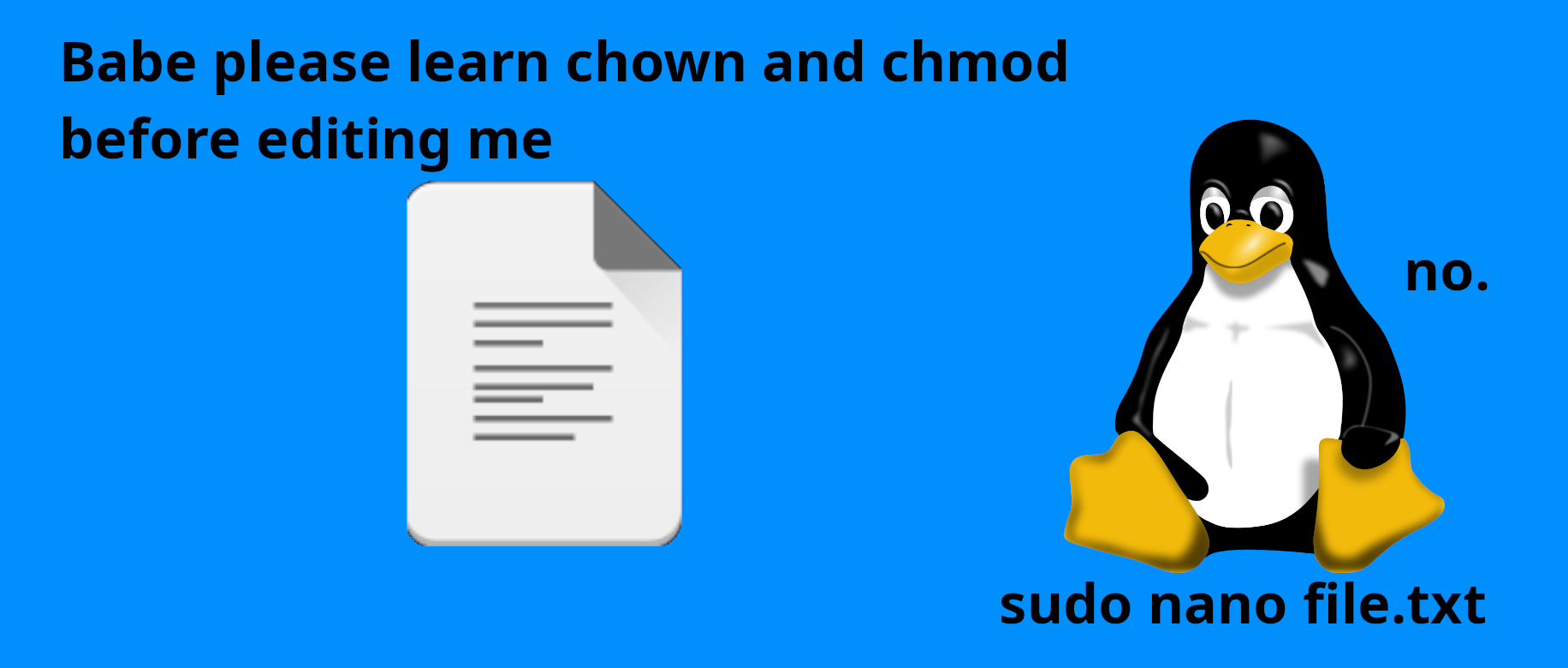
    why tho?

    If it's a file I have to modify once why would I run:

    sudo chmod 774 file.conf

    sudo chown myuser:myuser file.conf

    vi file.conf

    sudo chown root:root file.conf

    sudo chmod 644 file.conf

    instead of:

    sudo vi file.conf

    1000001464

  • source
  • hideshow 4 child comments
  • [–] 23 points 2 years ago* (3 children)

    Inane. Intentionally convoluted, or someone following the absolute worst tutorials without bothering to understand anything about what they're reading.

    I have questions:

    • Why are your configurations world readable?
    • Why are you setting the executable bit on a .conf file?
    • Why change the files group alongside the owner when you've just given the owner rxw and you're going to set it back?
    • If it was 644 before, why 774?
    • Why even change the mode if you're going to change the ownership?
    • Why do you want roots vimrc instead of your users
    • Why do you hate sudoedit
    • Why go out of your way to make this appear more convoluted than it actually is?

    Even jokey comments can lead to people copying bad habits if it's not clear they're jokes.

    This was a joke right? I was baited by your trolling?

  • source
  • parent
  • hideshow 3 child comments
  • load more comments (1 reply)
  • [–] 41 points 2 years ago (3 children)

    Getting flashbacks of me trying to explain to a mac user why using sudo "to make it work" is why he had a growing problem of needing to use sudo... (more and more files owned by root in his home folder).

  • source
  • hideshow 3 child comments
  • load more comments (3 replies)
    [–] 34 points 2 years ago (2 children)

    as a GUI pleb i just doubleclick the file, which opens kate.

    i edit the file and click save, get asked for my password

    and all is fine.

  • source
  • hideshow 2 child comments
  • [–] 31 points 2 years ago* (last edited 2 years ago) (13 children)

    You mean sudoedit right? Right?

    edit: While there's a little bit of attention on this I also want to beg you to stop doing sudo su - and start doing sudo -i you know who you are <3

  • source
  • hideshow 13 child comments
  • [–] 12 points 2 years ago (12 children)

    Why memorize a different command? I assume sudoedit just looks up the system's EDITOR environment variable and uses that. Is there any other benefit?

  • source
  • parent
  • hideshow 12 child comments
  • [–] 33 points 2 years ago (1 child)

    Why memorize a different command? I assume sudoedit just looks up the system’s EDITOR environment variable and uses that. Is there any other benefit?

    I don't use it, but, sudoedit is a little more complicated than that.

    detailsfrom man sudo:

    When invoked as sudoedit, the -e option (described below), is implied.
    
           -e, --edit
                   Edit one or more files instead of running a command.   In  lieu
                   of  a  path name, the string "sudoedit" is used when consulting
                   the security policy.  If the user is authorized by the  policy,
                   the following steps are taken:
    
                   1.   Temporary  copies  are made of the files to be edited with
                        the owner set to the invoking user.
    
                   2.   The editor specified by the policy is run to edit the tem‐
                        porary files.  The sudoers policy  uses  the  SUDO_EDITOR,
                        VISUAL  and  EDITOR environment variables (in that order).
                        If none of SUDO_EDITOR, VISUAL  or  EDITOR  are  set,  the
                        first  program  listed  in the editor sudoers(5) option is
                        used.
    
                   3.   If they have been modified, the temporary files are copied
                        back to their original location and the temporary versions
                        are removed.
    
                   To help prevent the editing of unauthorized files, the  follow‐
                   ing  restrictions are enforced unless explicitly allowed by the
                   security policy:
    
                    β€’  Symbolic links  may  not  be  edited  (version  1.8.15  and
                       higher).
    
                    β€’  Symbolic links along the path to be edited are not followed
                       when  the parent directory is writable by the invoking user
                       unless that user is root (version 1.8.16 and higher).
    
                    β€’  Files located in a directory that is writable by the invok‐
                       ing user may not be edited unless that user is  root  (ver‐
                       sion 1.8.16 and higher).
    
                   Users are never allowed to edit device special files.
    
                   If  the specified file does not exist, it will be created.  Un‐
                   like most commands run by sudo, the editor is run with the  in‐
                   voking  user's  environment  unmodified.  If the temporary file
                   becomes empty after editing, the user will be  prompted  before
                   it is installed.  If, for some reason, sudo is unable to update
                   a file with its edited version, the user will receive a warning
                   and the edited copy will remain in a temporary file.
    

    tldr: it makes a copy of the file-to-be-edited in a temp directory, owned by you, and then runs your $EDITOR as your normal user (so, with your normal editor config)

    note that sudo also includes a similar command which is specifically for editing /etc/sudoers, called visudo πŸ€ͺ

  • source
  • parent
  • hideshow 1 child comment
  • [–] 6 points 2 years ago

    From the arch wiki

    sudo -e {file}
    

    Set SUDO_EDITOR in your profile to the editor of your choice, benefit is it retains your user profile for that editor, it's also less to type. For stuff like editing sudoers you're supposed to use visudo to edit that. Others can probably give better/more thorough reasons to consider it.

  • source
  • parent
  • load more comments (1 reply)
  • [–] 29 points 2 years ago (3 children)

    Sorry, user babe is not in the sudoers file. This incident will be reported

  • source
  • hideshow 3 child comments
  • [–] 24 points 2 years ago (7 children)

    sudo dolphin

    Then I act like a Windows user and go there via the GUI because I didn't feel like learning how to use nano.

  • source
  • hideshow 7 child comments
  • [–] 7 points 2 years ago* (2 children)

    If you're running dolphin as sudo and open like a text file in an editor, does it edit the file with sudo?

  • source
  • parent
  • hideshow 2 child comments
  • [–] 13 points 2 years ago* (1 child)

    When you run a process under sudo, it will be running as the root user. Processes that that process launches will also be running as the root user; new processes run as the same user as their parent process.

    So internally, no, it won't result in another invocation of sudo. But those processes a dolphin process running as root starts will be running as the root user, same as if you had individually invoked them via sudo.

  • source
  • parent
  • hideshow 1 child comment
  • load more comments (4 replies)
    [–] 23 points 2 years ago (1 child)

    If your file is not in your home directory, you shouldn't do chmod or chown in any other file

  • source
  • hideshow 1 child comment
  • load more comments (1 reply)
    [–] 22 points 2 years ago* (11 children)

    You meant sudo vim, ok?

    (disclaimer: joke. Let the unholy war start)

  • source
  • hideshow 11 child comments
  • load more comments (4 replies)
    [–] 13 points 2 years ago

    :w !sudo tee %

  • source
  • [–] 11 points 2 years ago

    now i feel shame. I used to love breaking my xorg.conf in nano

  • source
  • [–] 9 points 2 years ago (1 child)

    Why does it have to be transcribed into numbers anyway?

  • source
  • hideshow 1 child comment
  • [–] 7 points 2 years ago (1 child)

    Total noob. Any experienced user knows it's

    run0 micro file.txt
    
  • source
  • hideshow 1 child comment
  • load more comments (1 reply)
    [–] 6 points 2 years ago (2 children)

    I'm not sure if that's the joke and it flew over my head but isn't editing with sudo what you should be doing anyway if it's a system level file? You shouldn't change permissions unless the file is actually supposed to be owned by your user.

  • source
  • hideshow 2 child comments
  • load more comments (2 replies)
    [–] 6 points 2 years ago (4 children)

    If it’s all my system should I really care about chown and chmod? Is the point that automatic processes with user names like www-data have to make edits, and need permission to do so, and that’s it?

    Newish Linux user btw

  • source
  • hideshow 4 child comments
  • [–] 9 points 2 years ago* (last edited 1 year ago) (1 child)

    Short answer: yes.

    One of the tenets of security is that a user or process should have only enough access to do what it needs, and then no more. So your web server, your user account, to your mail server, should have exactly what they need, and usually that's been intricately planned by the distro.

    If you subvert it you could be writing files as root that www-data now can't read or write. This kind of error is sometimes obvious and sometimes very subtle.

    Especially if you're new to this different access model, tread carefully.

    Great news! If you mess it up, many distros are really great at allowing you to compare permissions and reset them. The bad news is that maybe you're not on one of those. But you could be okay.

  • source
  • parent
  • hideshow 1 child comment
  • load more comments (1 reply)
  • [–] 9 points 2 years ago (1 child)

    In addition to corsicanguppy's comment, some β€” often important β€” programs actually expect the system to be secured in a particular way and will refuse to function if things don't look right.

    Now, you'd be right to expect that closing down permissions too tightly could break a system, but people have actually broken their systems by setting permissions too openly on the wrong things as well.

    That said, for general, everyday use, those commands don't need to be used much, and there might even be a way to do what they do from your chosen GUI. Even so, it nice to know they're there and what they do for those rare occasions when they might be needed.

  • source
  • parent
  • hideshow 1 child comment
  • load more comments (1 reply)
  • load more comments
    view more: next β€Ί