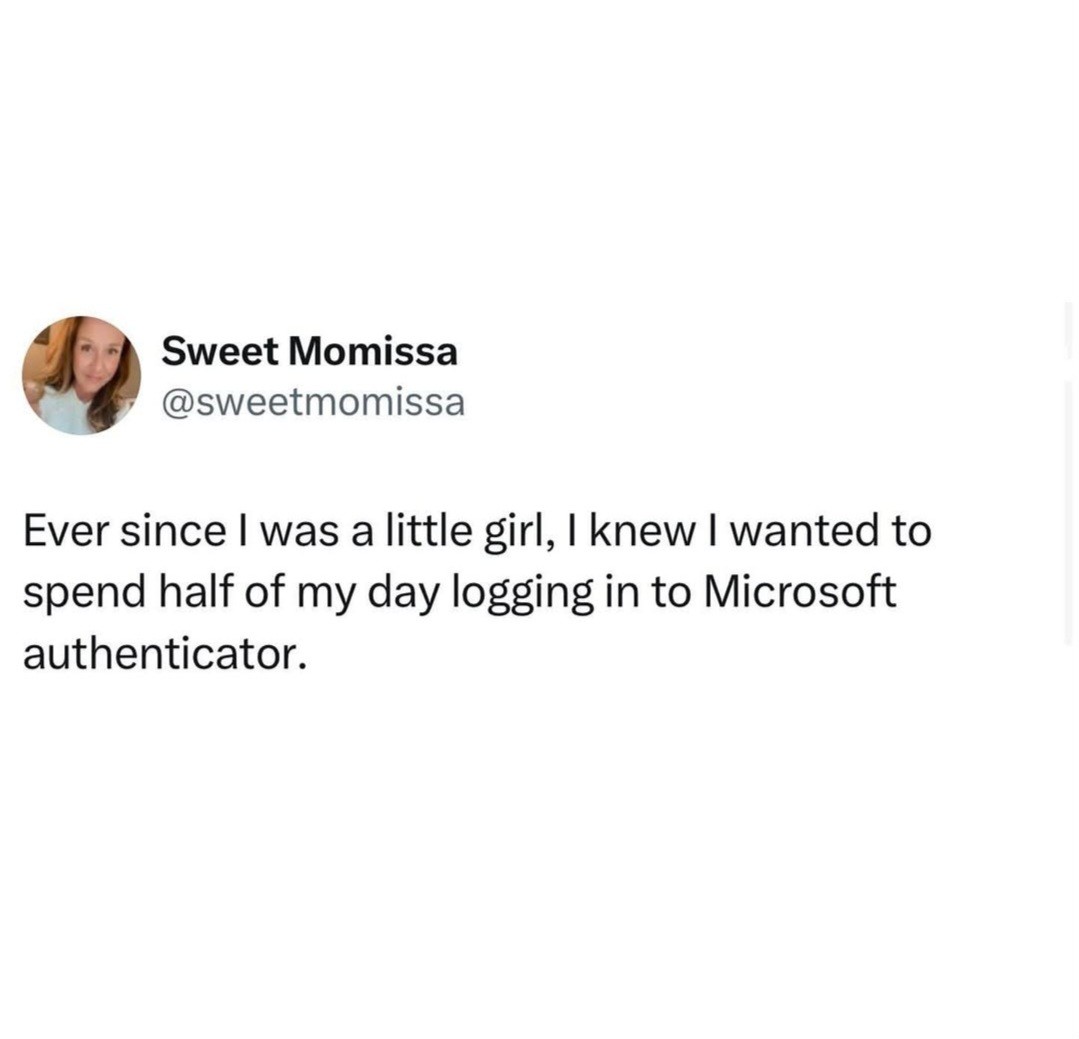
Okay so I get this is a meme BUT I started using a yubikey instead of the auth app and it has done a world of good for my sanity.
post
Our password manager requires logging in and using the authenticator every time the session times out, so we all started using a browser plug-in to keep the session alive all day.
Seconding the ask on the extension, I hate having to log into my secret store every 15 minutes while working on stuff
Same issue. What's the extension called?
So secure.
Complain to the guys that set stupid policies that encourage people to do this. We gave up trying and don't care any more.
That may have come off as judgmental. It wasn't meant to be. When you make security so onerous that no one will do it then it's little surprise that people.... won't.
Especially when it's a business.
Moreover... when you make your security so onerous that no one will do it, you don't have security. They know that, but it's the "nobody every got fired for buying IBM thing."
No matter how bad you have it someone else has it worse.
In order to do my job I have to log into the VPN, and then remote desktop onto a server, then from that server remote desktop onto another server. Then I have to go back to the first remote desktop and remote desktop onto a different server which from there I can remote desktop onto two other servers, on one of those servers there are two different log ons which I can use to do different tasks.
Then back on the main desktop I can remotely connect via web browser to a virtual machine that I can then remote desktop onto a server. If I want to change the password on that server I have to remote desktop from that remote desktop from that virtual machine, into a remote desktop.
Oh and then there is the web app that I have to use that only works in Internet Explorer, but for security reasons IE has been removed from the main system, so I have an entire remote desktop literally just to use Internet Explorer.
It takes about 25 minutes to log into everything everyday and about 10 minutes to log out at the end of the day.
Oh ffs I got annoyed just reading the comment I can't imagine the hell of having to do that
I bet the security "experts" who designed this are busy jerking each other off about how "secure" they've made everything
Fuck, and here I thought AGS progressive controllers were bad. Remote desktop into the controller using a commonly known username and password to get a "salt", "hash code", "iterations", "password length", and "server name". Enter all that onto a website that has to be logged in to, all to get a generated password which is used to remote desktop desktop into the same progressive controller under a different account. Password changes every 24 hours. Oh, and did I mention that this is typically done on an active casino floor? Good times.
Oh did you change your phone? Suffer removed!!!
/s
As someone on the other side, in IT support, you can fix this yourself and I wish more people would.
Before your old phone gets wiped and sent to the graveyard, log in using authenticator, and go to "view account" from any of the online pages for Microsoft (if you're unsure, try login.microsoft.com ). Go to your security options, and you should see all the info you need to remove the old authenticator and add a new one.
From here you can also add backups, which I encourage everyone to do.
It saves you from having to call IT all the time to fix it, and since you don't have to go through the usual back and forth of verifying who you are, or whatever, and getting them to do a thing, you can take care of it for yourself, by yourself, without those unnecessary delays.
Your IT people will appreciate it, and you'll have to talk to them a bit less as a result.
The largest issue I have is the randomness of all the different security setups. One requires MFA by e-mail, one requires an authenticator, most require sms, some push to require using their app, and this random page requires a code by phone call. Now they are pushing passkeys and that is a complete cluster.
What's ironic is that most of the webpages that push these things don't reach the "Do I give a fuck?" threshold. The security is usually there to protect against unauthorized use of user stored credit cards. Since I am not liable for any fraudulent charges to the credit card, I really don't give a fuck about securing the account. Yeah I am reusing passwords, keeping them in plain text in a word doc etc..
When I worked for other companies, I moderately gave fuck about there security. Not enough to inconvenience me. If they made me change the password constantly, they got the number changing series at the end of the password - $tupidPass#01 Seriously that was my actual work password for over a decade.
Now my bank account and financial logins. You'd better believe those have every security feature they offer setup. I do not fuck around with those. I give a fuck about those.
I remember reading an article once which referred to research which suggested that making people change passwords every month made their accounts less secure, because they have to go extra steps to remember them - which usually translates to making them really obvious and/or storing them where they’re easily accessed. In one of my previous jobs where we had to change passwords every month, basically everybody would have their password written on a post-it on their computer monitor.
In my first job I had like 7 different passwords to access different systems. Each one had different schedule of password reset. They each ended up being on a different reset schedule. I had to reset a password once or twice a week.
Yeah, everyone had their passwords on a sticky note on their monitor. I once got praise for being the one person without it. I of course had an abreviation for the system with what number series the password was on posted on my monitor.
This is my current job. I've got monthly, every three months, every quarter, once per year... Thank goodness the last service they added has SSO.
Yeah, that's actually also why it's no longer considered best practice to force regular password changes. But many places / websites /apps still do, obviously.
I worked in top secret military stuff and the worst I had was every 4 months on some systems. Monthly seems extremely ineffective.
or storing them where they’re easily accessed
Sticky note under the keyboard is probably still the number one spot.
Get a yubi key then you have to find your keys
I have a Yubi key that crashes Authenticator when I select the option to it l use it. It goes into a loop asking to touch the button and type the PIN. But it does not wait for input, it just keeps creating windows until it crashes.
I have multiple accounts configured on the same yubikey, but it seems like any of the Microsoft login portals expect you to always use the account you most recently signed in with. So any time I need to switch accounts (which is often, I have different accounts for each different testing environment and access level), I have to type in my pin and touch my key twice - once to allow Microsoft to try logging in with the wrong account and fail, and then another time where it asks which account I want to use. 🙃
You should try Okta instead! It's... blue.
On a scale of 1-10 how likely are you having conversations with your friends about
Is there a community around here dedicated to the hatred of Microsoft?
One day Ms will make the power point you're sharing on teams even smaller than today.....but I'm here to tell you how to do it now. Take a look at the slide below!
.
Lemmy is now better than teams! Yey!
I hate MS Auth so badly. Why don't they just implement the "normal" 2FA instead? MS doesn't work with Ente Auth
microsoft has sucked arse for eons. the real q is why the fuck IT keeps buying their shit.
We use duo as 2fA for our Microsoft accounts at work. Every Thursday its log into teams on phone log into teams on desktop, log into outlook on phone, log into outlook on desktop. Why can't your apps cross authenticate on the same device? How does one drive manage to stay authenticated throughout the whole process?
Any actual work I need togets done is done on a 15 year old think pad running Debian. The beefy 12th gen i9 just whirrs its fan around and occasionally gets used for emails, team chats and logging up tickets.
top 50 comments